
Download BitTorrent Pro – torrent, download, file sharing, peer-to-peer, free download, Android app, BitTorrent Pro, secure download, P2P network, torrent client, file transfer, download manager
Overview
BitTorrent Pro is a desktop application designed for managing downloads from the BitTorrent network, offering users a streamlined experience for acquiring digital content such as music, movies, games, and documents. The software functions as a peer-to-peer (P2P) client, enabling users to download files by connecting to a decentralized network of users sharing pieces of the same file. It is intended for individuals seeking efficient and direct access to large files without relying on centralized servers. The primary purpose of BitTorrent Pro is to simplify the process of finding, downloading, and organizing torrent-based content on Android devices. Target users include casual downloaders, media enthusiasts, and professionals who require reliable file transfer capabilities for large datasets. The developer, BitTorrent Inc., is known for its long-standing presence in the P2P ecosystem, though specific technical details about the company’s broader operations were not provided. Real-world usage scenarios include downloading large software packages, accessing open-source projects, or acquiring media content when traditional distribution channels are unavailable. The application supports offline usage and operates independently of continuous internet connectivity after initial setup.Key Features & Capabilities
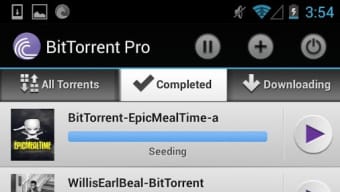
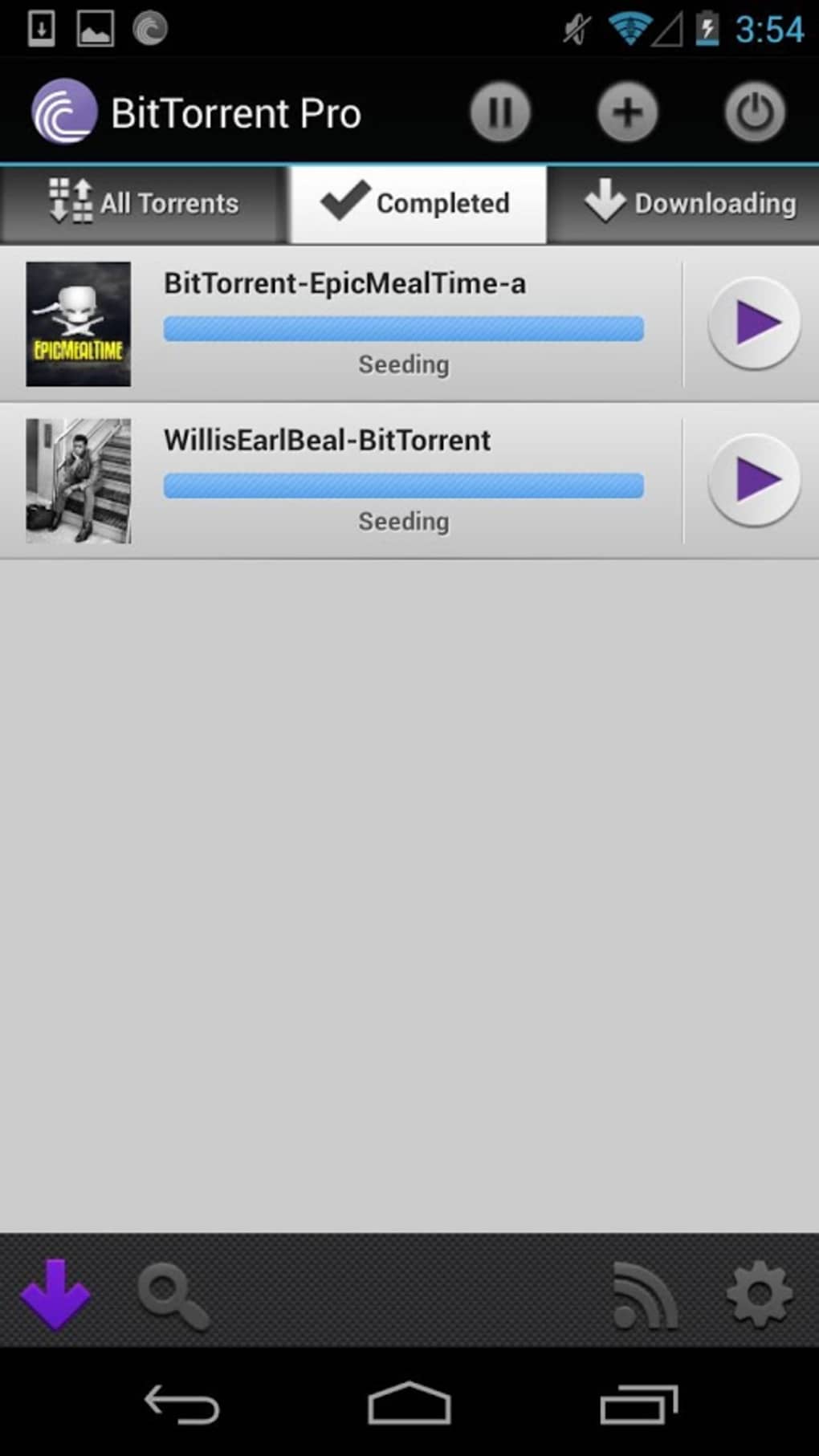
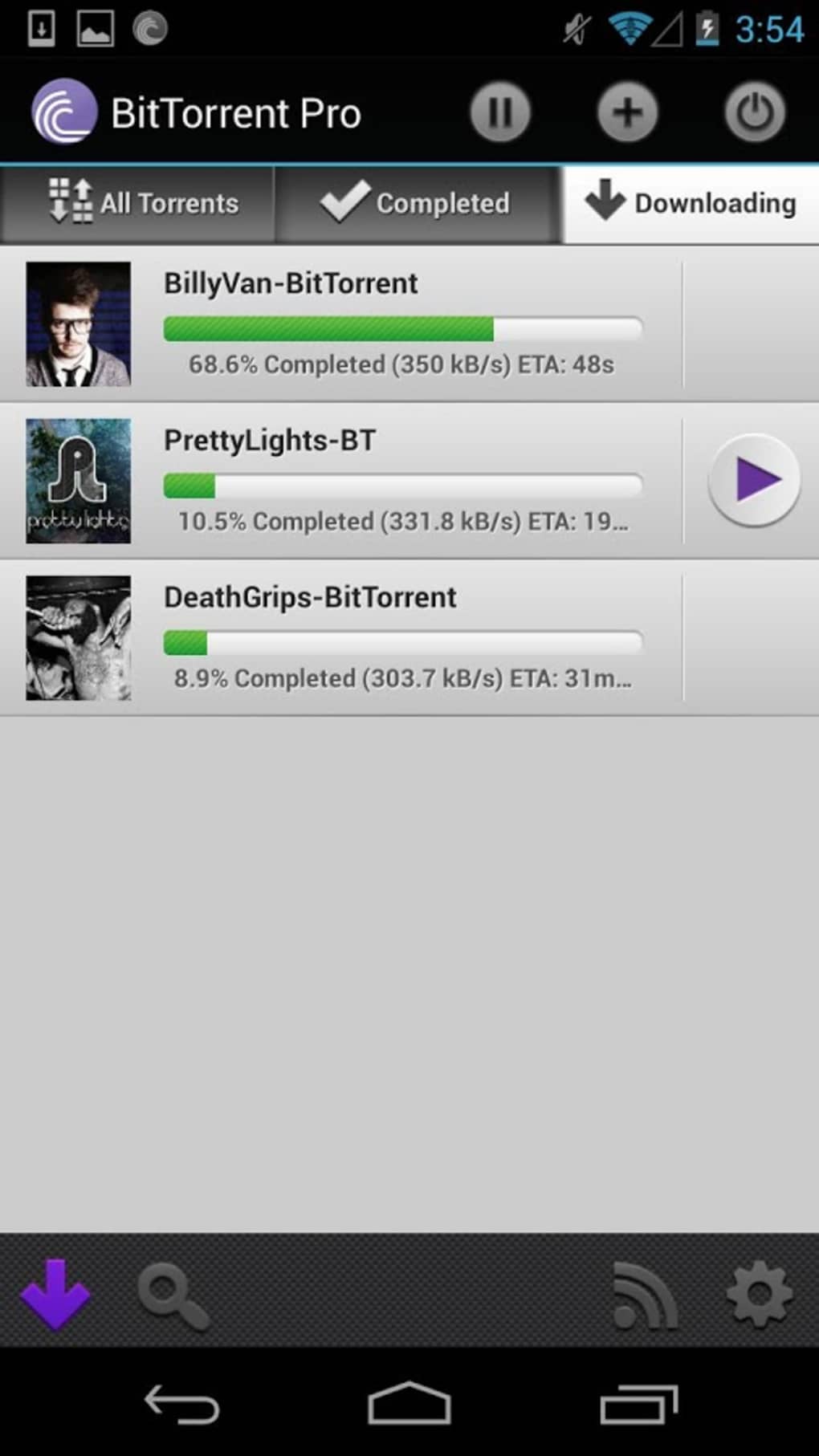
- Multi-Tab Torrent Management: The interface features three main tabs: one for active downloads, one for completed torrents, and one for ongoing transfers. This organization allows users to monitor their download progress and manage their library efficiently.
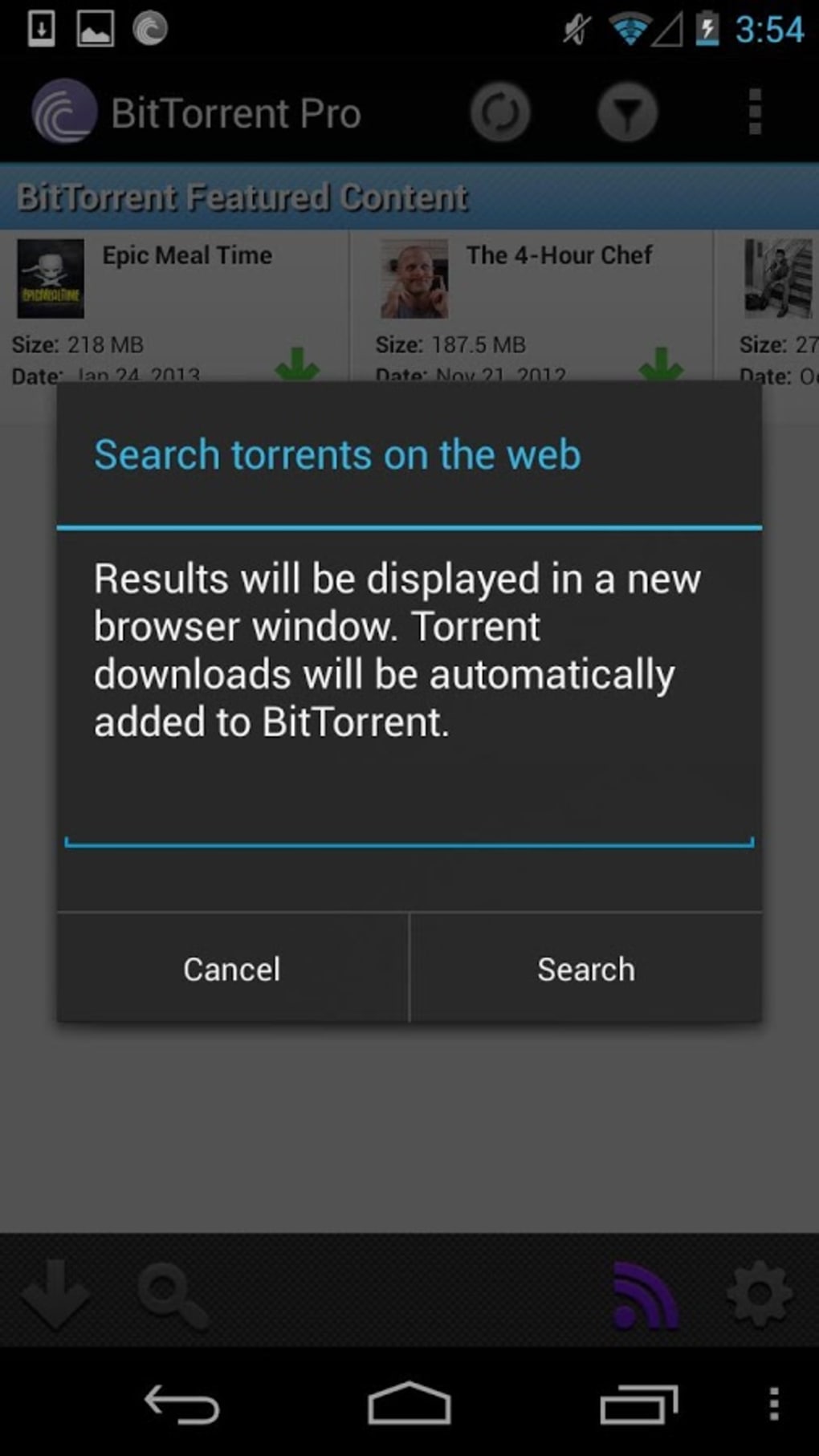
- Integrated Search Functionality: Users can initiate searches via a built-in search icon, which opens a browser window to display Google search results for torrents. This enables quick access to potential download sources directly from the app.
- Direct URL Input: A "+" icon allows users to paste or enter a direct torrent file URL, enabling immediate download initiation without external navigation.
- RSS Feed Integration: The software supports adding and monitoring RSS feeds to stay updated on new releases from trusted sources, helping users automate discovery of desired content.
- Bandwidth and Connection Controls: Users can set limits on download and upload speeds, configure TCP port settings, and enable automatic downloads when connected to Wi-Fi networks.
- Notification System: A persistent notification in the taskbar alerts users when downloads complete, ensuring timely access to finished files.
User Interface, Workflow & Performance
The user interface of BitTorrent Pro is structured around intuitive navigation, with a tab-based layout that separates active, completed, and in-progress downloads. This layout promotes clarity and ease of access, allowing users to quickly identify the status of each file. The design emphasizes simplicity and functionality, minimizing visual clutter while maintaining essential controls. Navigation is straightforward, relying on icons and labeled sections that require minimal learning. The workflow for initiating a download is efficient: users can either search through external results or input a direct torrent link. Once added, files are queued and processed according to user-defined bandwidth settings. The app maintains a responsive interface during active downloads, with real-time progress indicators and status updates. Performance details were not specified by the developer. However, based on general software behavior patterns, the application is expected to function smoothly on modern Android devices. The developer did not provide specific information about CPU or RAM usage. Stability is assumed to be consistent with typical P2P applications, though performance may vary depending on network conditions and file size. The app runs in the background and continues downloads even when minimized.Compatibility & System Requirements
BitTorrent Pro is designed for the Android operating system, with a current version of 3.0.2. The application has a file size of 25.6 MB, indicating a lightweight footprint suitable for most Android devices. The developer did not specify exact system requirements, including minimum Android version or hardware specifications. Compatibility information was partially provided, leaving some details unclear. Users are advised to ensure their device meets general Android compatibility standards for running third-party applications. The app supports offline usage after initial configuration, and it does not require continuous internet access for core functionality. However, the absence of detailed system requirements means users should verify compatibility based on their device’s capabilities and available storage.Pros and Cons
- Ad-free experience with no interruptions
- Direct support from BitTorrent Inc.
- Efficient tab-based organization of downloads
- Automated Wi-Fi-based downloads
- Support for RSS feeds for content discovery
- Bandwidth control and port configuration options
- Simple, intuitive interface
- Search functionality relies on external browser, which may disrupt workflow
- No significant feature difference from the free version
- Bandwidth usage can be high, requiring careful management
- Developer did not provide detailed system requirements
- Performance data not publicly disclosed






.png)
